
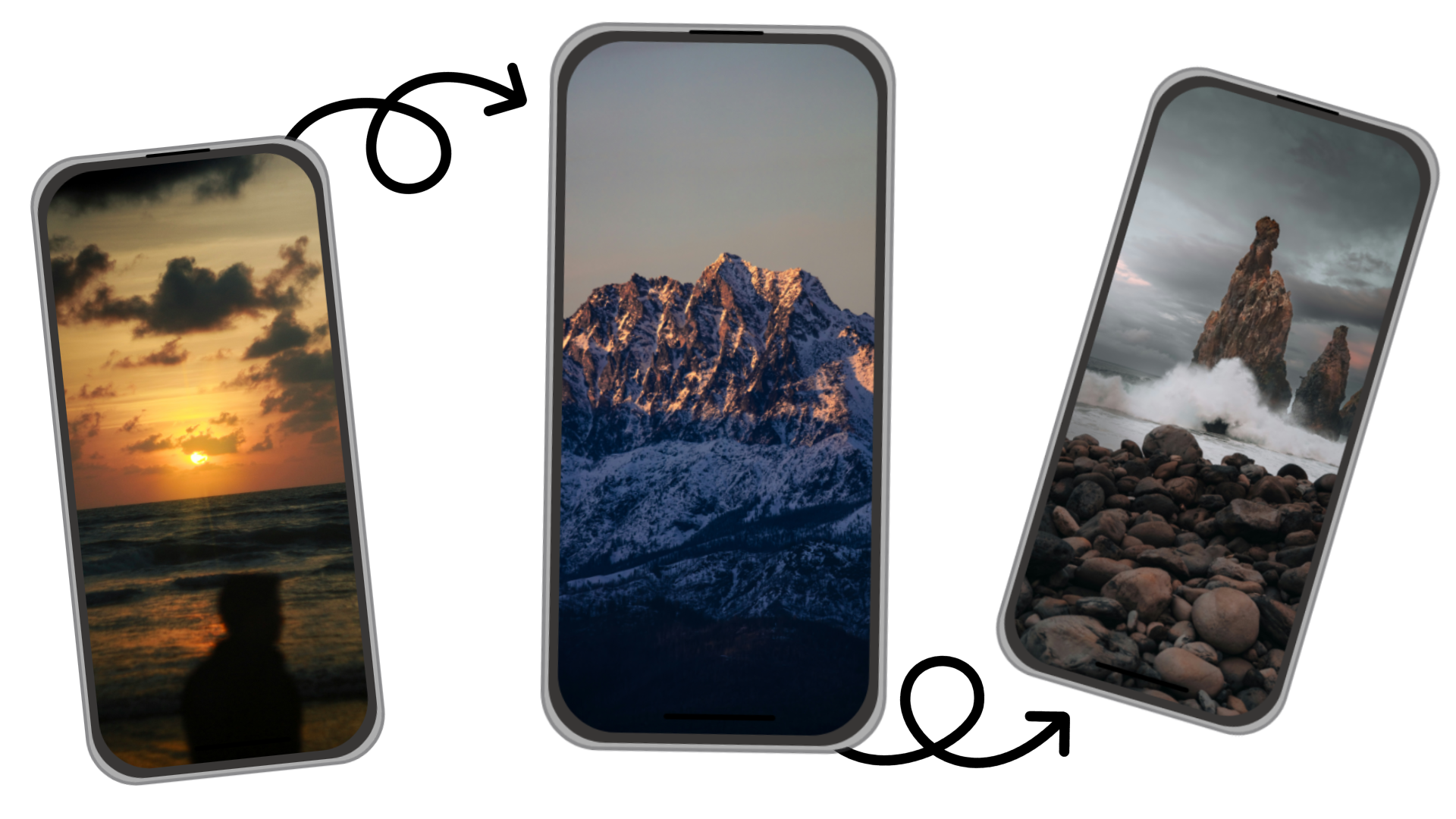

Flexible Sources
Use local images, folders, or online sources to build wallpaper collections you actually like.
Wallpaper Changer for Android
Meet WallShift, the wallpaper app that keeps your device feeling fresh with automatic wallpaper changes powered by smart triggers and custom sources.
Connect local images, folders and external sources, then let WallShift automatically rotate your wallpapers based on your rules.



Powerful wallpaper automation, designed to feel simple.
Use local images, folders, or online sources to build wallpaper collections you actually like.
Change wallpaper by schedule, gesture, battery status, Wi‑Fi network, location, or more.
Apply brightness, blur, scroll, and transition effects to keep every wallpaper switch smooth and premium.
Efficient scheduling keeps wallpaper automation battery-friendly and smooth on Android.
Start quickly with a clear flow: choose your source, pick triggers, and let WallShift handle the rest.
Your personal images stay on your device at all times. No ads, no tracking, no data collection. Just you and your wallpapers.
Join thousands of Android users already personalizing their devices.
Awesome app! And battery friendly too! I highly recommend supporting development with Pro.
★★★★★
Best wallpaper changer I tried on Android. Powerful features without feeling heavy.
★★★★★
The app is clean and reliable. I set it once and now my wallpapers stay fresh every day.
★★★★★
Awesome app and easy to use. Allows you use your own photos. No ads either.
★★★★★
Best wallpaper changer app on Playstore!! This app delivers what exactly it says!! Highly impressed with material theme UI and very easy to choose and select wallpapers from source
★★★★★
The trigger options are unreal. Battery and location rules work exactly as expected.
★★★★★
Awesome app! And battery friendly too! I highly recommend supporting development with Pro.
★★★★★
Best wallpaper changer I tried on Android. Powerful features without feeling heavy.
★★★★★
The app is clean and reliable. I set it once and now my wallpapers stay fresh every day.
★★★★★
Awesome app and easy to use. Allows you use your own photos. No ads either.
★★★★★
Best wallpaper changer app on Playstore!! This app delivers what exactly it says!! Highly impressed with material theme UI and very easy to choose and select wallpapers from source
★★★★★
The trigger options are unreal. Battery and location rules work exactly as expected.
★★★★★
No. WallShift is designed to be lightweight and efficient, using smart update scheduling and minimal background processing so it has little to no impact on battery life during normal use.
If the WallShift live wallpaper is not active, you should see a message in the trigger screen. Tap it to set it up again. Otherwise, go to Settings and use "Update Live Wallpaper" to apply it manually.
This is available on Android 14+ and on the Pro version. To set it up, once you have Pro:
1. Go to Settings and enable "Separate Home & Lock wallpaper".
2. In Settings, press "Update Live Wallpaper".
3. When prompted, select the screen you want (Home screen or Lock screen).
4. When setting the live wallpaper, set it to the same screen you selected, for example "Home screen".
5. Do the same for the other screen.
Once set up, everything will work correctly: you can set effects only for the lock and/or home screen, and the same applies per collection.
When adding images individually, they are stored inside the app so they always remain available. This can increase storage usage over time. Using folders avoids this by using images directly from your device storage instead of copying them.
WallShift is designed to handle large image collections without affecting performance. For best results, using folders is recommended when managing many images. It has been tested with folders containing up to around 3,000 images. Larger collections may slow things down depending on your device, while single images are only limited by your available storage.
It controls how often your folders are checked for new or removed images. Changes are applied automatically without needing to open the app.
Make sure location permission is set to "Always allow" and that background location access is enabled in Android settings. If permissions are restricted outside the app, triggers will not run properly. Accuracy also depends on your device settings: with precise location enabled, triggers can be accurate to around 50 meters, while without it Android may only provide approximate locations of around 1 kilometer or more.
Dynamic colors (available on Android 12 and above) are a system feature, not something WallShift controls. Android does not always update them reliably when we change the wallpaper, even when dynamic colors are enabled. This is a limitation of Android itself, so there is nothing we can do to force a refresh.
This can happen when Android is blocking WallShift from reading your folders. Try these steps:
1. Restart your phone: A simple restart often fixes this.
2. Enable system file access: Open your device Settings, search for "All files access" (or go to Settings > Apps > Special app access > All files access), tap the three-dot menu (⋮) in the top-right corner, select "Show system", then check if "External Storage" is enabled and enable it if it is not.
3. Re-add the folder: Reopen WallShift. If the images still do not load, remove the folder and add it again.